
Indoor cycling in the browser
Nearly every trainer app wants a program on your machine first. Pixel Watts does not: open a browser, pair the trainer over Bluetooth, ride. This is not a stopgap or a cut-down version but the whole app. The Mac and iPad apps are the same thing in a shell.
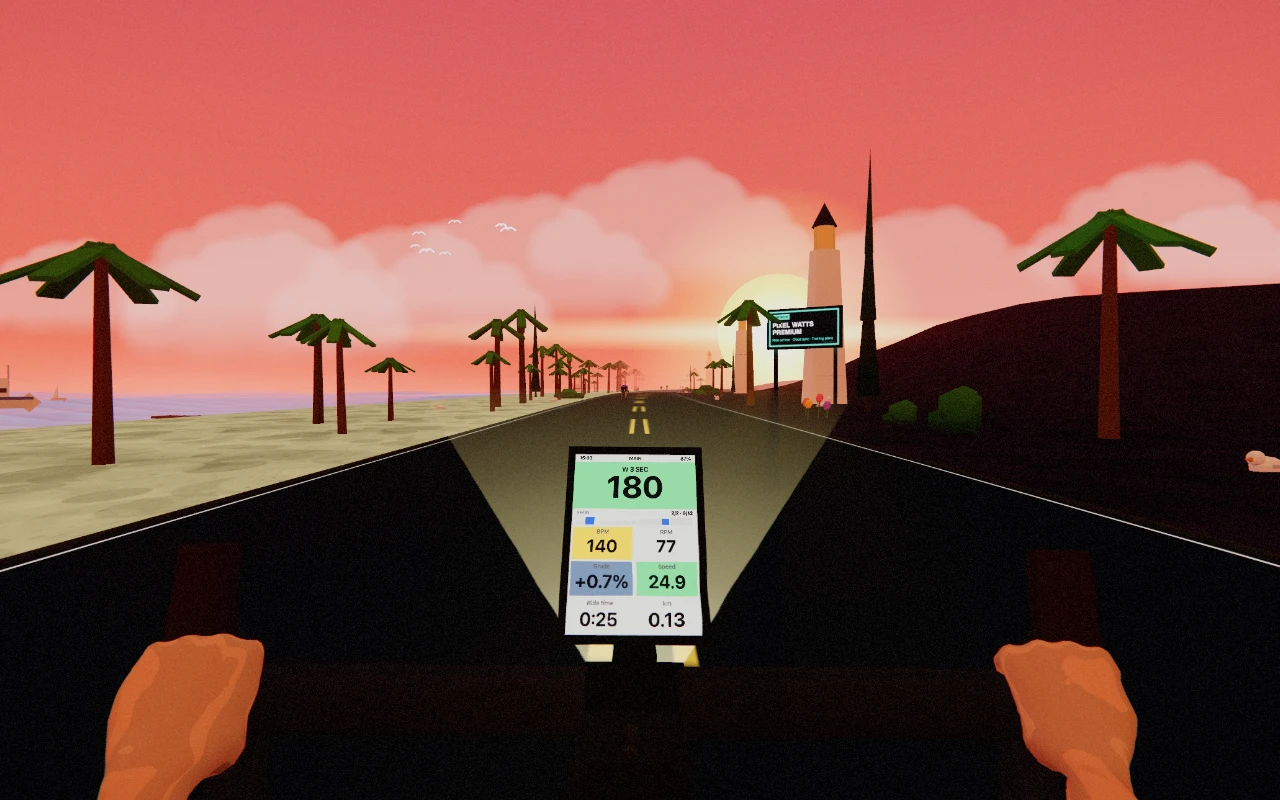
How it goes
- Open app.pixelwatts.com in Chrome or Edge, on a computer or an iPad.
- Hit “Pair” and pick your trainer; the browser asks once for Bluetooth permission.
- Pedal briefly so the trainer transmits. Then the connection is up.
- Ride. One stage works with no account at all.
What you need
- Chrome or Edge. Both speak Web Bluetooth, which is the technology behind the pairing.
- A smart trainer with Bluetooth (FTMS). Practically any machine from the last few years by Wahoo, Tacx, Garmin, Elite or Xplova.
- Nothing else. No ANT+ dongle, no installation, no admin rights on the machine.
Where the limits are, honestly
- Safari and Firefox cannot do it. Neither supports Web Bluetooth. On a Mac there is the Mac app for that, on an iPad the iPad app. Both pair natively.
- On a phone it gets tight. A phone screen is too small for this game; we would rather say so than pretend everything works everywhere.
- The tab has to stay in front. Put the browser in the background and the computer stops drawing it. The ride stands still until you come back.
Why this matters to us
Because the hurdle before the first ride decides whether there is one. A download is a decision you postpone: download first, then install, then an account, then maybe ride. A link is not a decision. Anyone who wants to know whether indoor cycling as a game is for them should be able to find out in two minutes, not twenty.
Start free →Try it first, no account needed
The demo stage rides without an account. Open a browser and go.